What it looks like in your theme editor
Three of the pictures on the App Store listing.
What you get, according to the App Store listing
Made for Online Store 2.0 themes
That is the developer's own description. Read the notes before you install first.
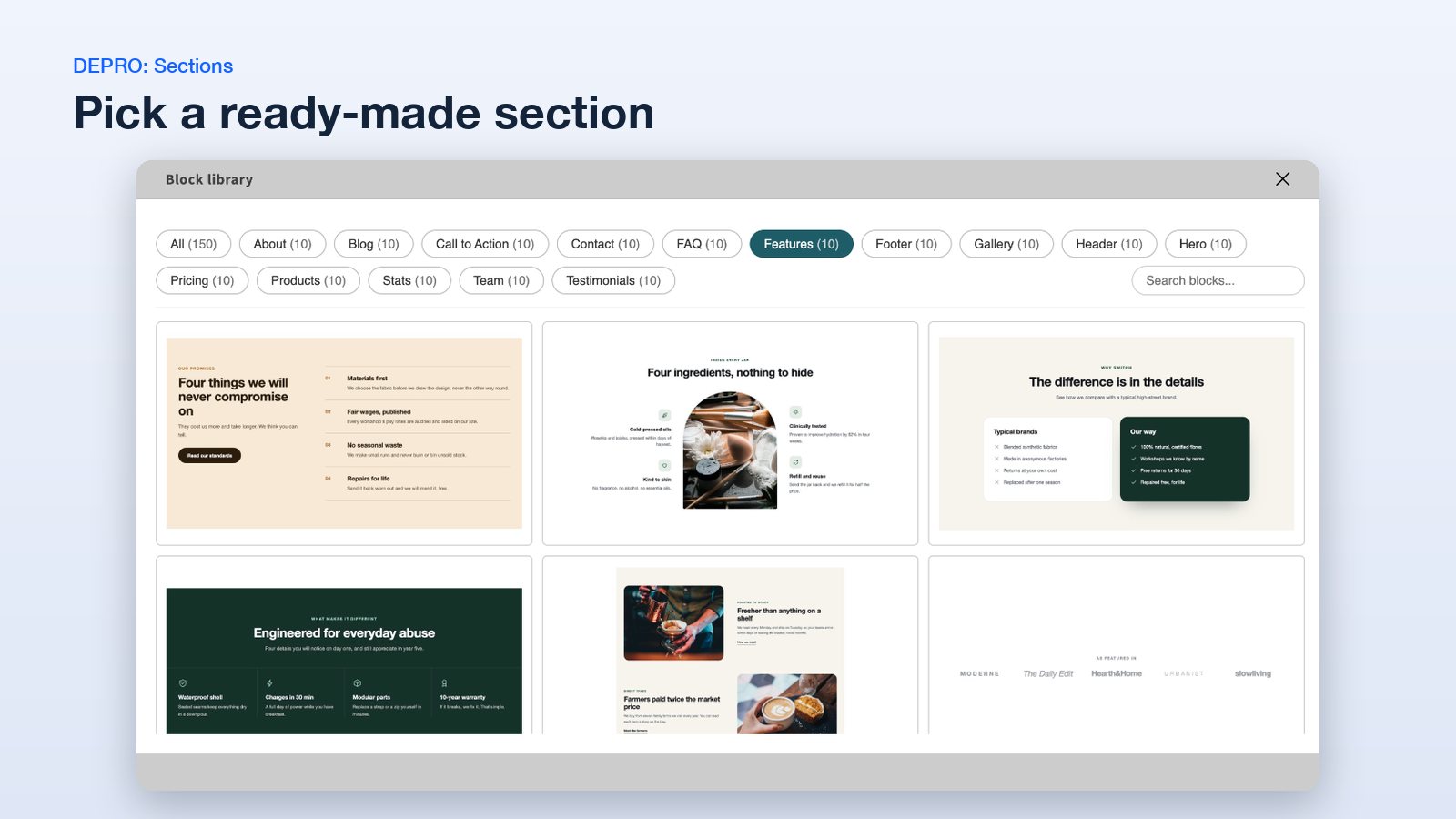
A library of designs
Choose from a library of designed sections for every page of your store.
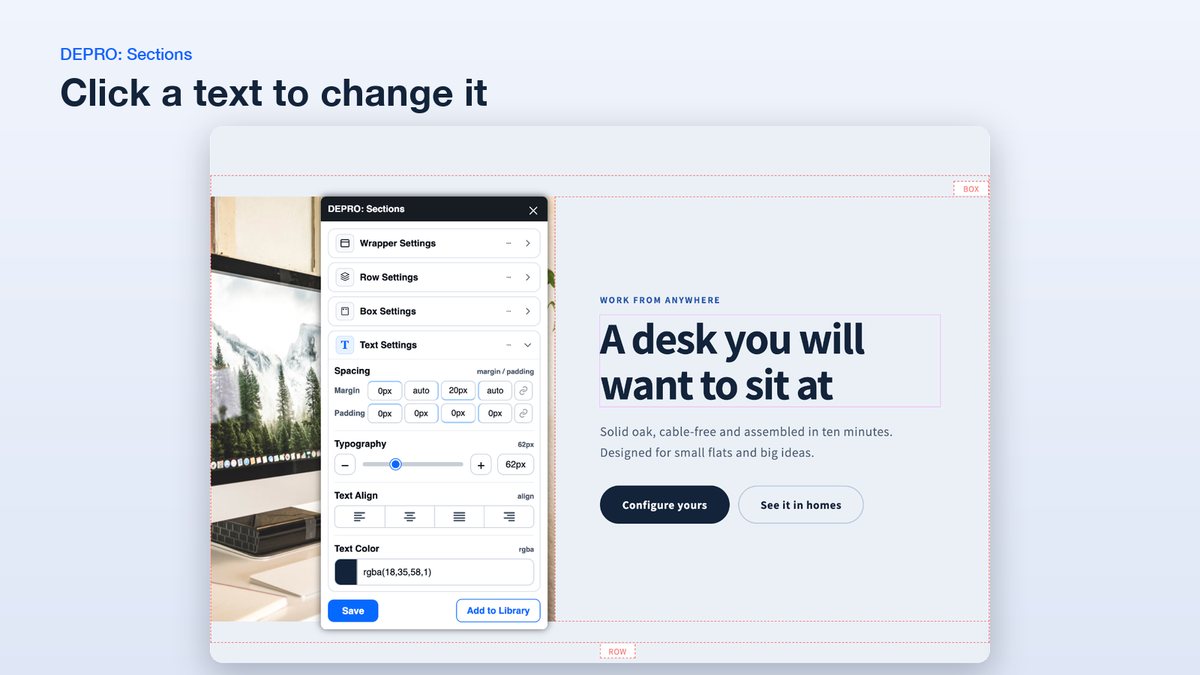
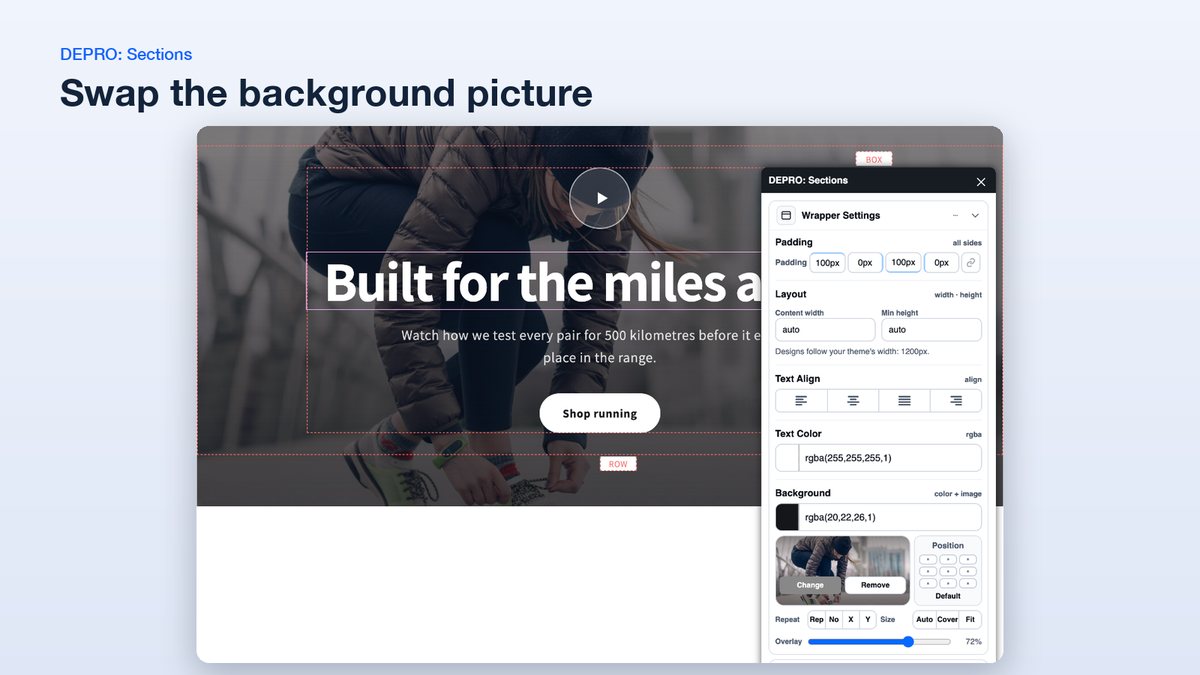
Edit on the page
Click a text, image, button or background to edit it in the theme editor.
Your theme's width
Sections follow your theme's content width or stretch across the full page.
Buttons that add to cart
Turn a button into an add-to-cart button for a product you choose.
Save and reuse
Save a section you changed and reuse it on other pages.
No code
The listing says no code is needed, and that DEPRO blocks leave your theme's code untouched.
Set up in three steps
-
Install the app
Click Install on the Shopify App Store, log in, and pick your store.
-
Add a DEPRO block
In the theme editor, switch on "Global styles" under App embeds, then add a "DEPRO: Block" from the Apps tab.
-
Choose a design and edit it
Pick a design from the library, then click any text, image or button to change it.
One plan, one price
Basic Plan
$5.99 per month
Billed in USD every 30 days, after a 14-day free trial.
- All designs in the library
- Unlimited sections on every page
- Editing inside the theme editor
Worth knowing before you install
One review reports a problem
The single one-star review says the app did not work with the Narrative theme and left a script behind after uninstalling. The developer replied that the file is a JavaScript library and offered to help remove it. Try the app on a duplicate of your theme first.
Designs are not listed one by one
The listing shows the library in a picture but does not list its designs. The free trial lasts 14 days, so look through the library early.
Support details are thin
Support is listed as provided by DEPRO. The listing shows no support email or website.